kept
Shopping as usual
Because, in the field, customers knew their store by heart and went straight to the products: the service was not to change anything about how they shop.
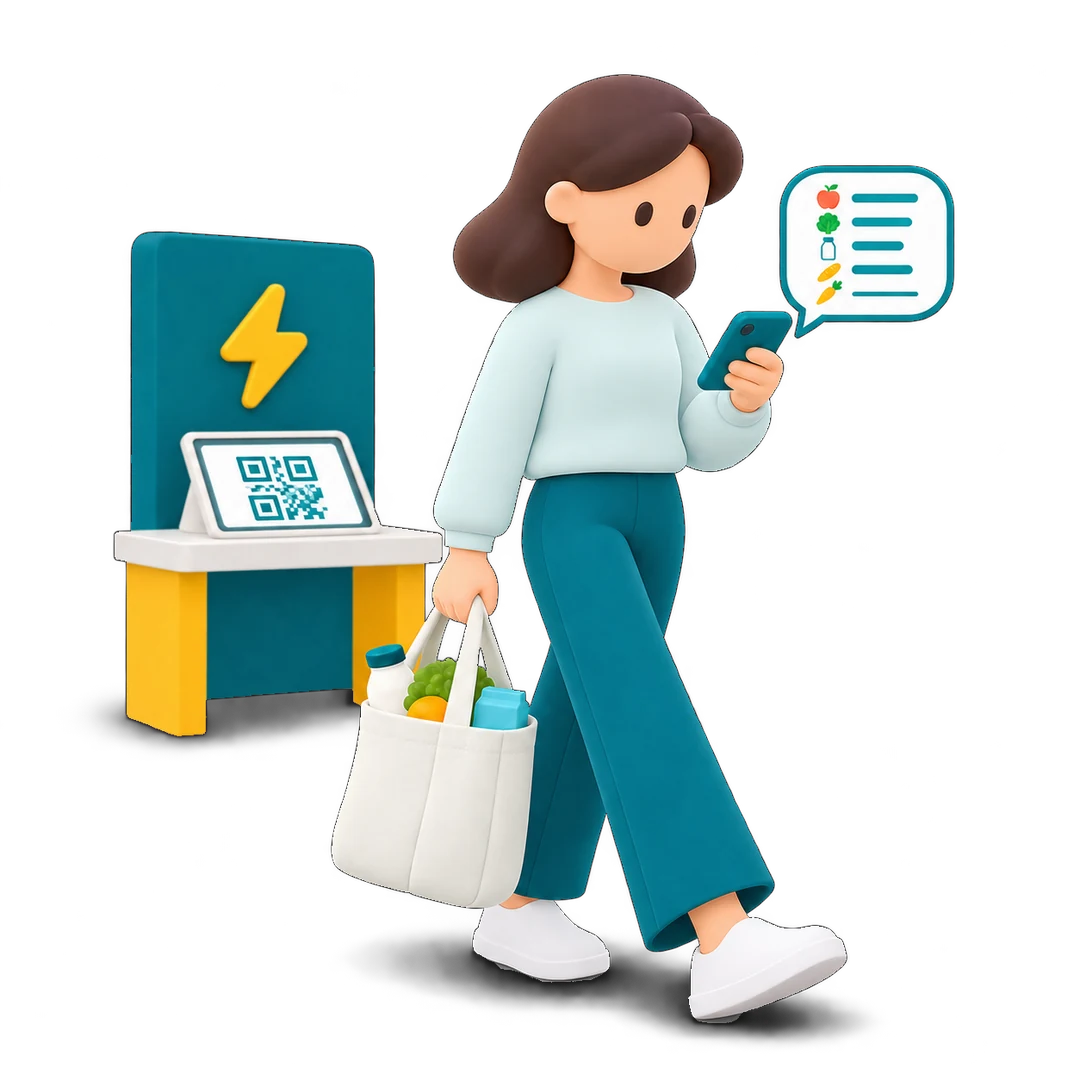
A neighbourhood store that recognises what each customer takes off the shelf. At the exit, their basket is waiting on the kiosk: the customer checks it, pays and leaves.
01Problem
Top-up shopping has become an almost daily habit, in neighbourhood stores where only one checkout is often open at peak times. In the queue, customers have nothing to do but wait, and the wait feels longer than it really is.
“3 minutes in the aisles, 10 minutes at the checkout.”Customer quote, field research
Paying itself is quick. Time is lost in the queue and scanning the items, and Flash removes both.
02Solution
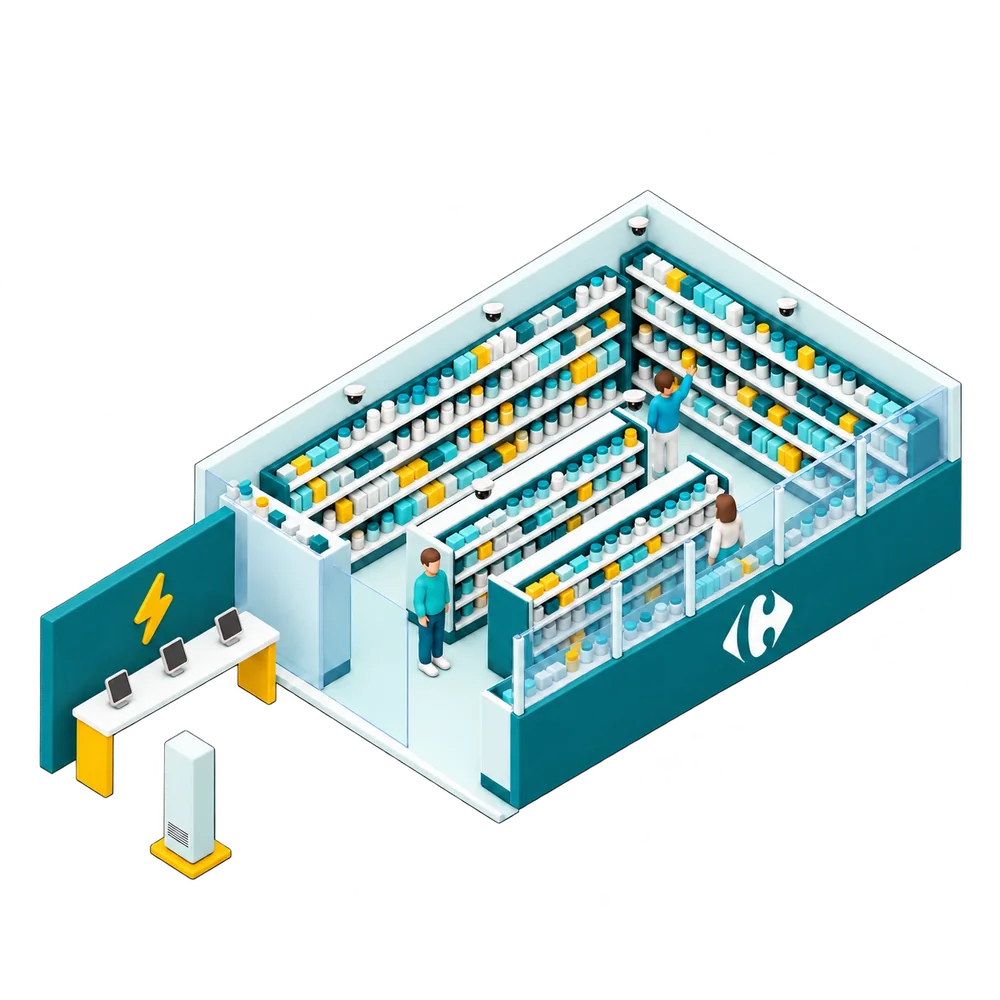
Nothing to scan, nothing to take out of your bag.
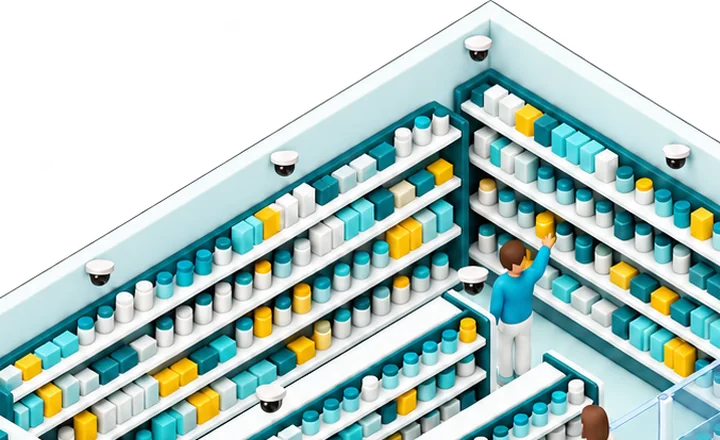
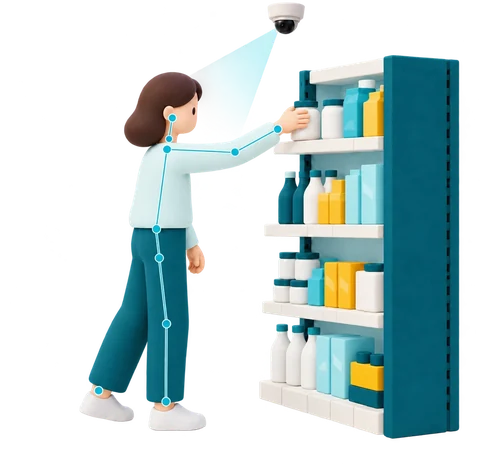
Cameras and scales identify every product each customer takes.
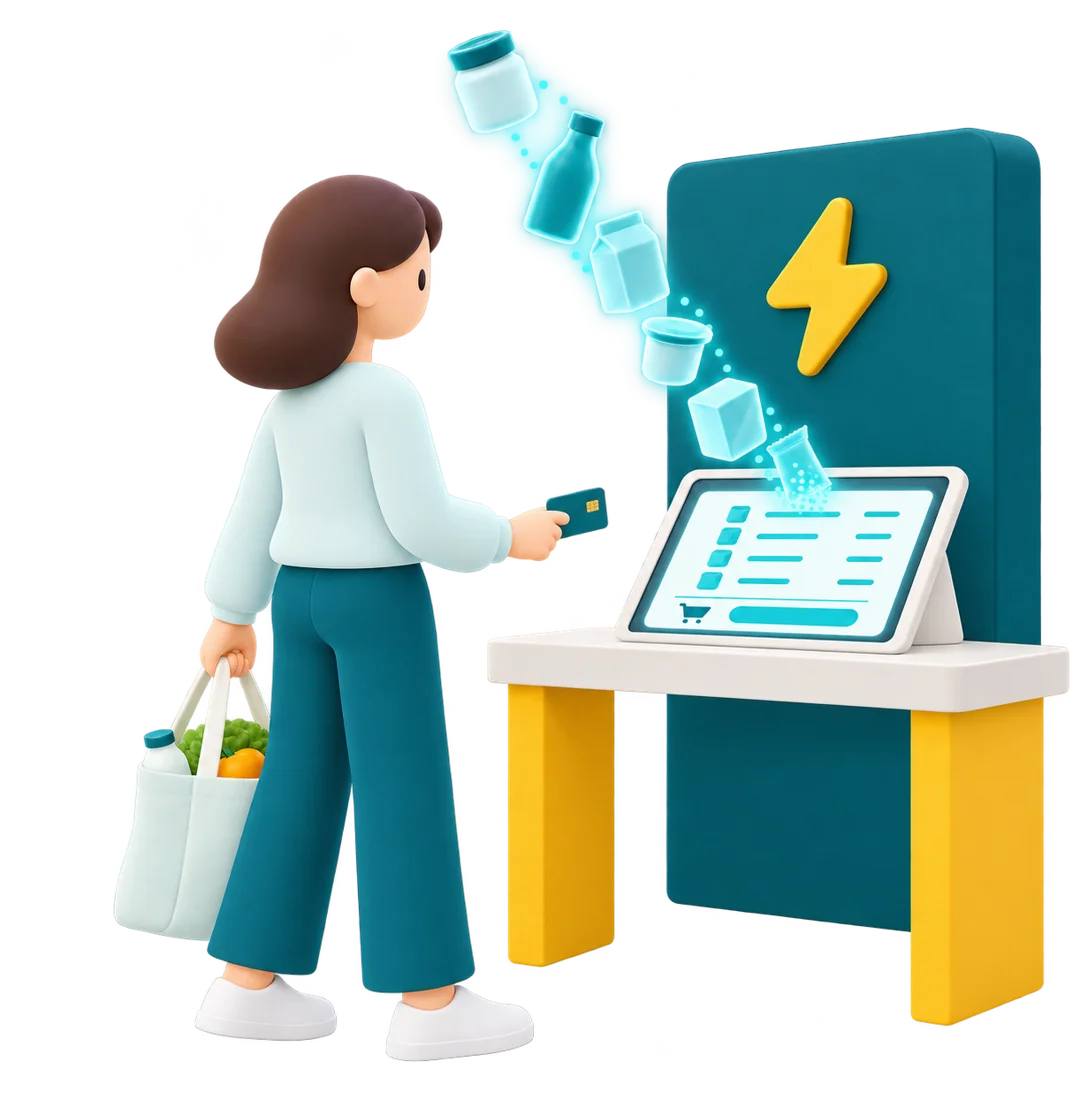
It appears on the kiosk, ready to be checked.
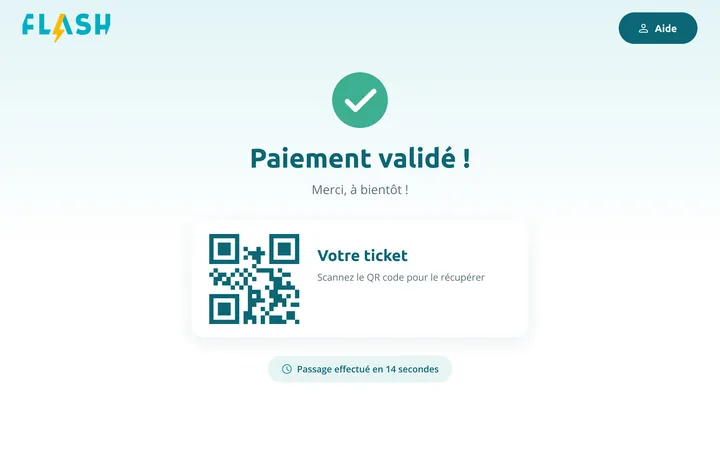
Card or phone on the terminal, receipt by QR code.
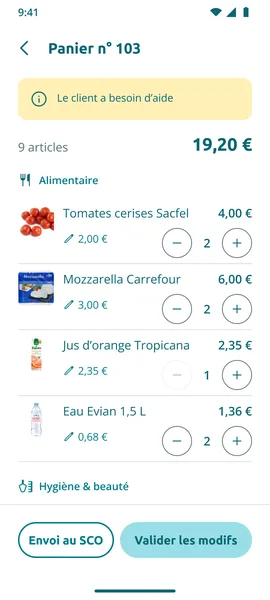
If detection gets it wrong, they correct the basket. Try the manager app
Tap a step to jump to it, or tap the kiosk screen directly. The screens are in French, as in the store.
Every error offers a way out: try again, change payment method or cancel.
The prototype uses fictitious data.
03Results
After the 2021 opening, according to the press: Futura-Sciences and Olivier Dauvers.
In detail
The approach, the trade-offs and what I take away from it.
04Approach
Flash grew out of a partnership between Strate and Carrefour. The concept won the 2017 Carrefour Junior Innovation Day, which led to an internship and then a permanent position in the Innovation department, where a team was set up around the project.
Footfall peaks at lunchtime and between 6 and 8 pm. Staff are multi-skilled (restocking, deliveries, cleaning, the till): out of three checkouts, often only one is open.
Interviews and observation of real behaviour in neighbourhood stores.
An experimental store at Carrefour’s headquarters (Massy), tested every Wednesday: more than 10 observed shopping trips and 5 quick surveys. Three topics shaped the journey most: uptake of biometric payment, the size of the kiosks and customers’ fear that their basket would be wrong.
Product detection started with shelf scales, then combined scales and cameras. Towards the end, AiFi was aiming for the same accuracy with cameras alone: fitting a normal-sized store with scales would cost too much. With every gain in reliability, the screens, the messaging and the journeys were readjusted.
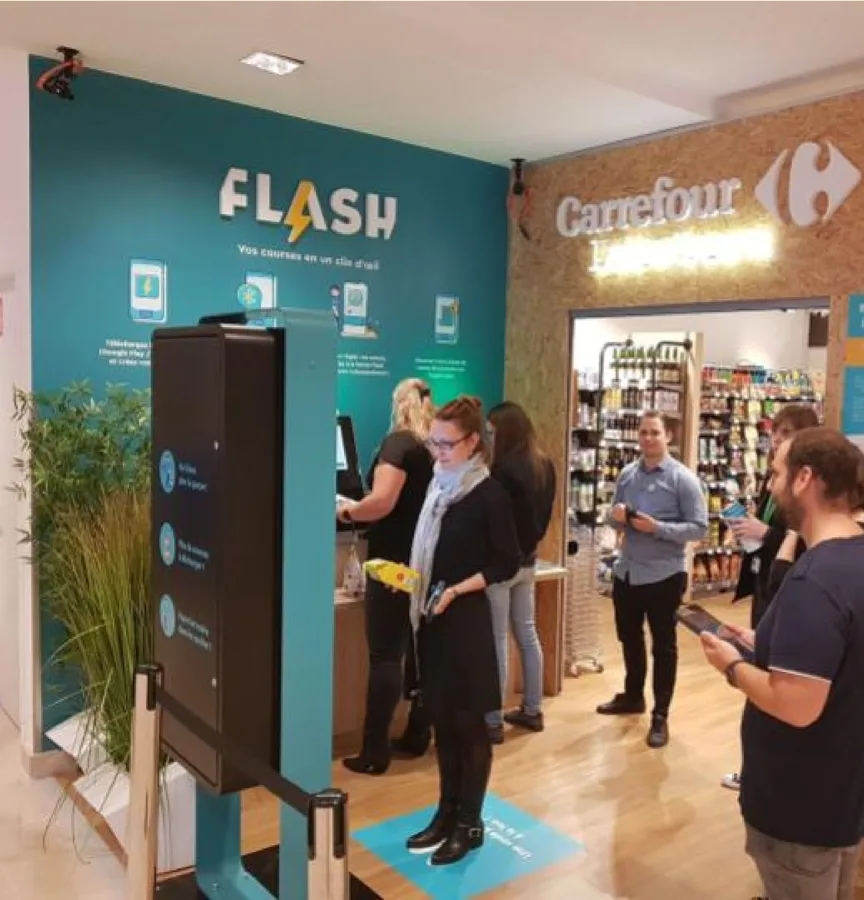
After the test store, the project was handed to a more senior designer and I stayed on as a contributor until the decision to open a public store, then left. The service, interface and messaging launched in November 2021 are the ones we had worked on.
05Trade-offs
kept
Because, in the field, customers knew their store by heart and went straight to the products: the service was not to change anything about how they shop.
kept
To remove the queue and the scanning, the store recognises every product taken by itself: depth cameras track each customer’s virtual skeleton without filming them (GDPR compliance checked), and the scales confirm it by weight.
dropped Baskets limited to 2 or 3 items, because of neighbourhood stores, where basket sizes vary: the first version worked in the lab, not in a store. We added cameras to the scales to detect every basket size.
kept
Because in testing, customers worried their basket would be wrong. At the kiosk, their basket loads and appears: every item, its quantity, its price and the total. Customers shopping together share the same basket. The loading time doubles as a cue to get your card out.
dropped The big-screen kiosk, because of the tests: customers had to scan the screen with their eyes and got lost in it. iPad kiosks replaced it: natural reading, the face framed for biometrics, more kiosks in less space.
kept
Because in testing, contactless was enough: card or phone on the terminal, nothing to install, and the receipt by QR code if the customer wants it.
“The difference with contactless isn’t noticeable.”Customer test, test store
dropped Biometric payment, because of the data and the effort asked of customers. It worked, but biometric data could not stay on Carrefour’s servers: it required a dedicated app, a heavy sign-up and Bluetooth at the entrance. For customers, “too complicated for what you get”.
kept
Because detection could get it wrong. The customer presses Help, the employee gets the alert on the manager app and corrects the basket. Staff roles change, and the service has to plan for it.
dropped Corrections made directly on the kiosk, because of the view it gives: one checkout at a time. The manager app shows every checkout at a glance.
Fictitious data and French screens; every button leads to the next screen.
The employee gets the alert, opens the customer’s basket and corrects it. Log in, then open basket no. 103.
Enrolling your face and card, then paying over Bluetooth. Follow the sign-up through to the selfie.
06Lessons
With Flash, I designed an entire service: the store, the kiosks, the apps, the signage and what staff do when something gets stuck.
A test every week in real conditions shaped the journey more than the technology did.